Voice experience
When Customers Want to Speak and When They Want to Type
Let a visitor choose the channel that fits the moment, especially when the microphone is unavailable.
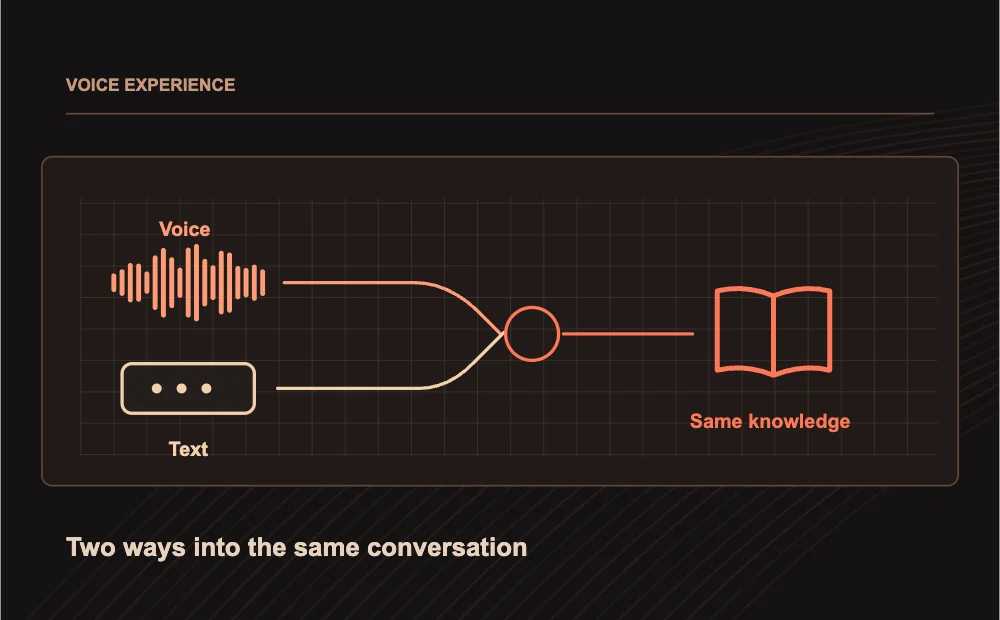
Picture a buyer walking between cars on a showroom lot. Speaking a question about a trim level may be convenient. The same buyer might return from a shared office and want a silent way to ask about pricing. Designing only for the first moment loses the second.
Make the button tell the truth
Give voice a clear label. Tell the visitor they are speaking to AI and explain recording before the conversation starts. Ask for microphone access when they choose to speak. A sample animation or a page visit should never be a reason to open a microphone.
Treat a declined microphone as a normal choice
Decline the browser prompt on a spare device. Can you still reach a text field without hunting through settings? Can you close the call panel with the keyboard? On Groupie, the text route is available directly from the voice panel. Someone who wants to type can continue even if the microphone stays off.
Two ways into the same conversation
A microphone decision should never strand a visitor.
- An explicit voice action starts the microphone permission flow.
- A visitor can type from a quiet office or with the microphone off.
- Both paths can reach the agent’s information and a useful next step.
Test the last action, too
Try muting mid-call, unmuting and hanging up. Check that the interface says what happened and that the microphone is released. Test in portrait and landscape with a thumb, then repeat with keyboard navigation. A visitor deciding when a conversation ends deserves as much design attention as the opening greeting.
Voice interaction and accessibility · Try both conversation modes