Voice experience
Pilot a Voice Agent in Two Languages
Test the meaning of a policy, a handoff and a booking in each language before expanding your rollout.
A translated greeting is the easiest part of a multilingual pilot. The harder test is whether “we can request that” still means a request in the second language, particularly when the customer is hoping for a guaranteed reservation.
Start with two languages your team can review
Choose one service and a pair of languages for which you have fluent reviewers. Give them the same current policy and ask each person how a customer would naturally phrase three questions. A literal translation can miss the local term for a service, a branch or a vehicle trim.
Use one common question, one exception and one request for a person. Include a change of mind halfway through the conversation. Confirm the supported languages, default language and voice options for the deployment you are testing.
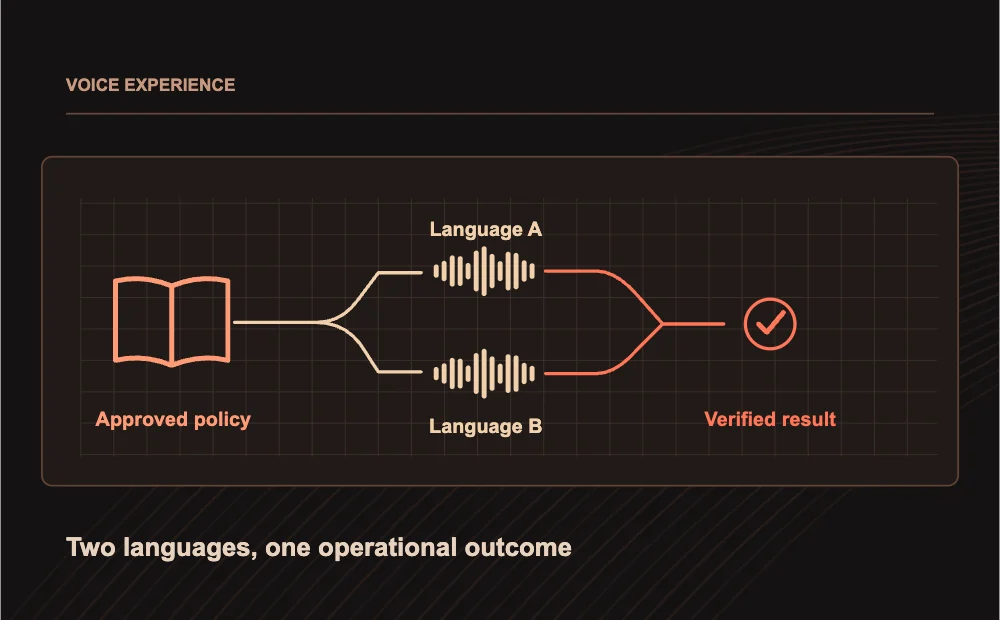
Two languages, one operational outcome
Each language should lead to the same verified rule or destination.
- A policy owner selects the approved answer and its exceptions.
- A fluent reviewer checks how a customer would actually ask.
- Both test conversations reach the correct answer, calendar or staff queue.
Score the outcome alongside the phrasing
For each test, write down which rule the agent should give and where the next action should land. A polite conversation can still book the wrong branch. Check dates, prices, local names and time zones at the receiving end, as well as the spoken answer.
Make the fallback understandable
If an agent cannot resolve the request, tell the visitor how to reach help and which language the team can support there. Offer typing as an alternative when a name, email address or street is hard to capture by voice.
After the pilot, have both reviewers listen to a sample of approved test calls and inspect their handoffs. Expand only when the same change can be reviewed in both languages and both teams can maintain the source material.
Voice languages, greetings and configuration · Explore Groupie’s voice settings